GIMP
GIMP is a free, open-source raster image editor for photo retouching and graphic work. This page covers version 3.2.6 for Windows.
Windows
Open source
2024.2410.13017.0 · Microsoft Corporation · Page updated
Paint 3D was Microsoft's 3D drawing app for Windows 10; it was removed from the Microsoft Store on 4 November 2024, and Microsoft points users to Paint.
Average 0.0 · ratings: 0
Thank you! Your rating is saved; you can change it. Could not save the rating. Please try again later. Too many ratings from your network today. Please try again tomorrow. The average appears after 5 ratings.
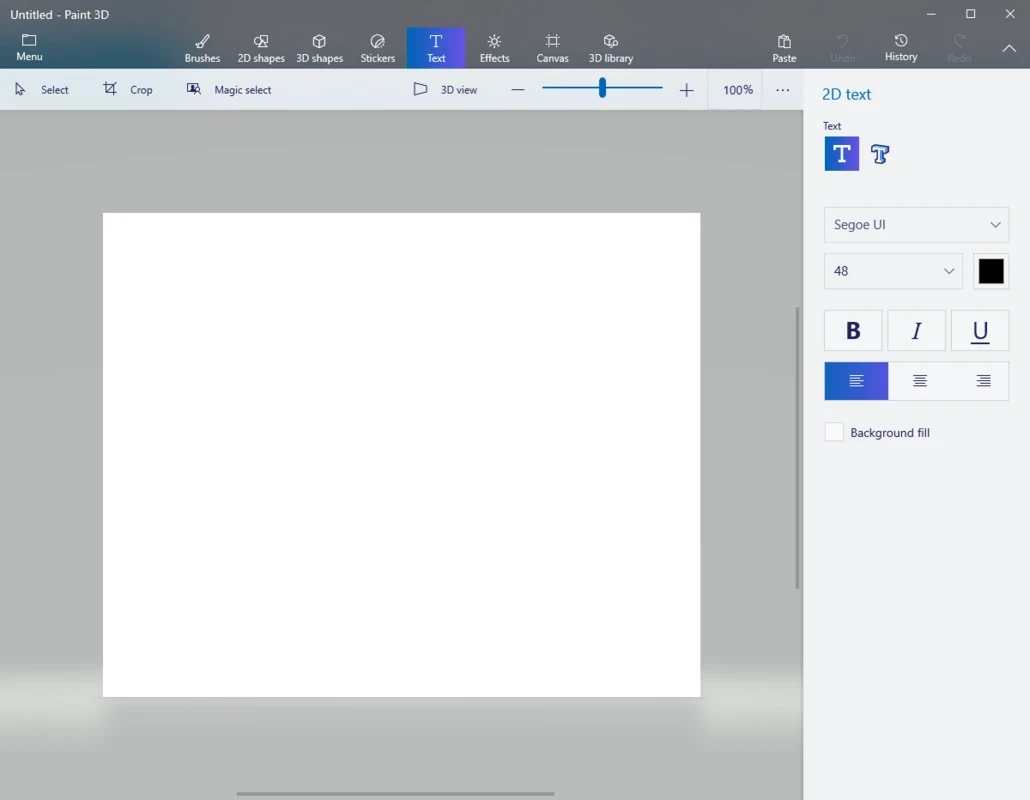
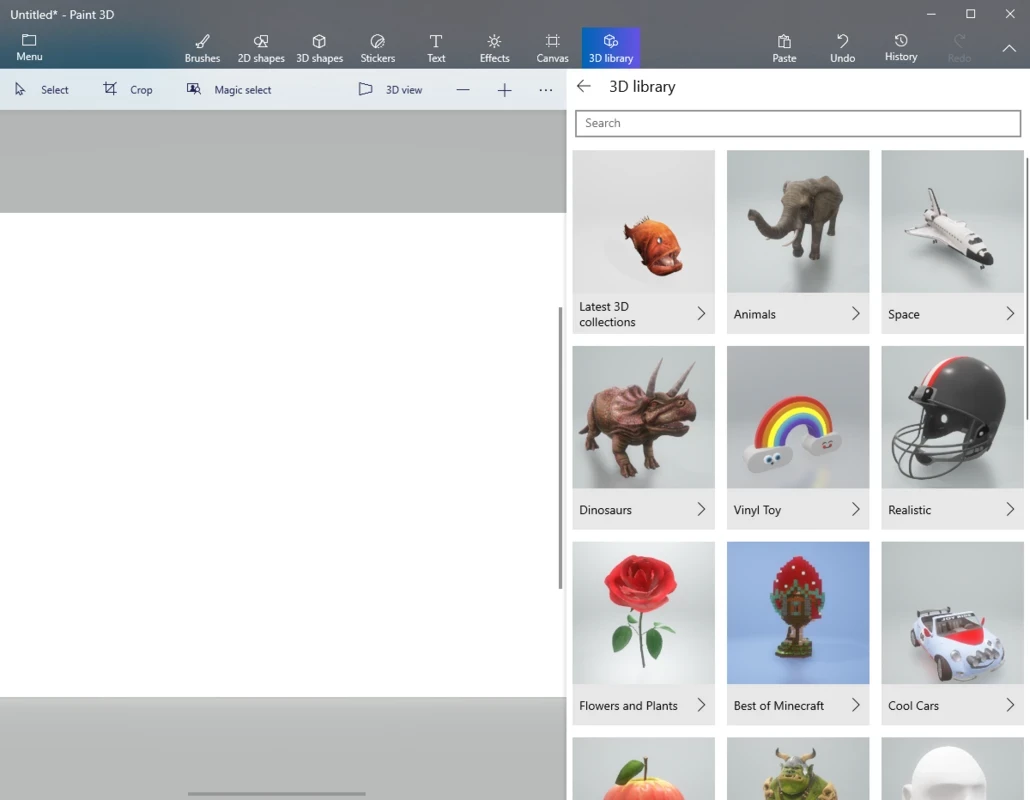
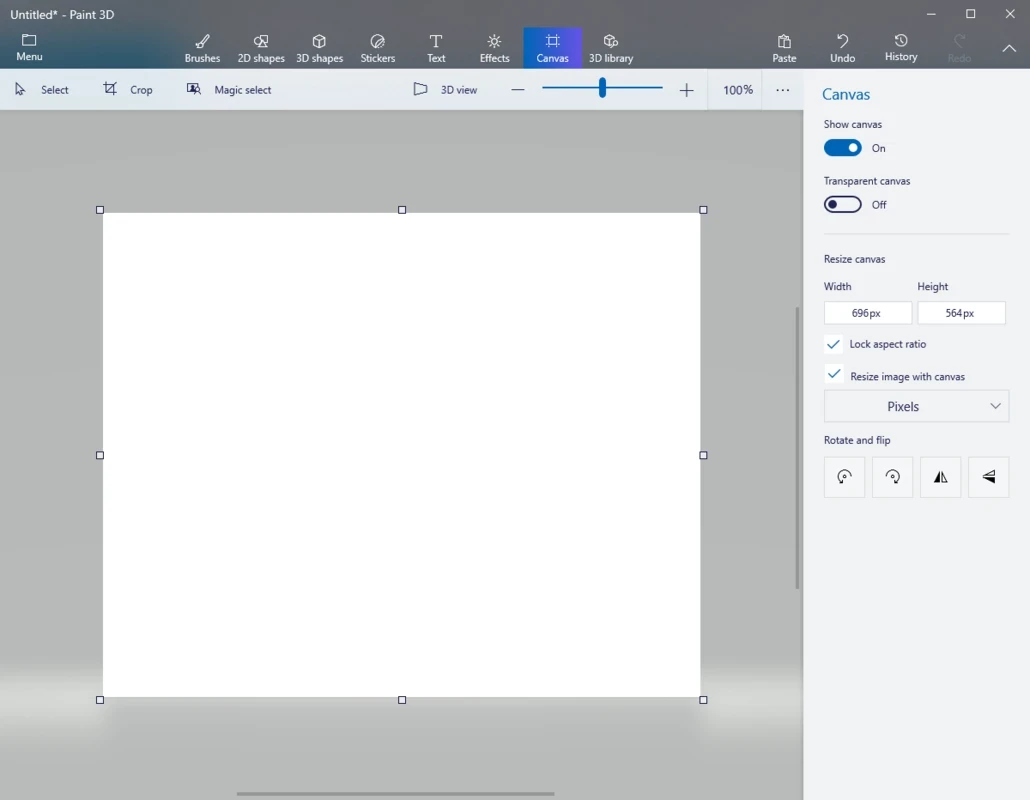
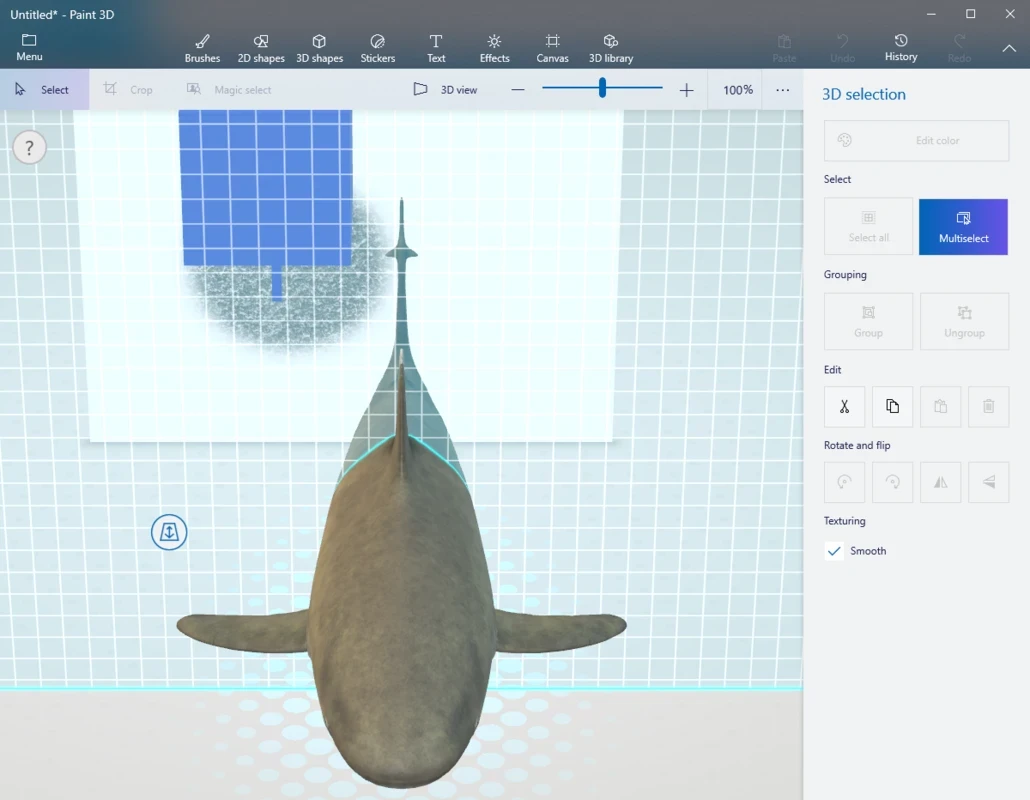
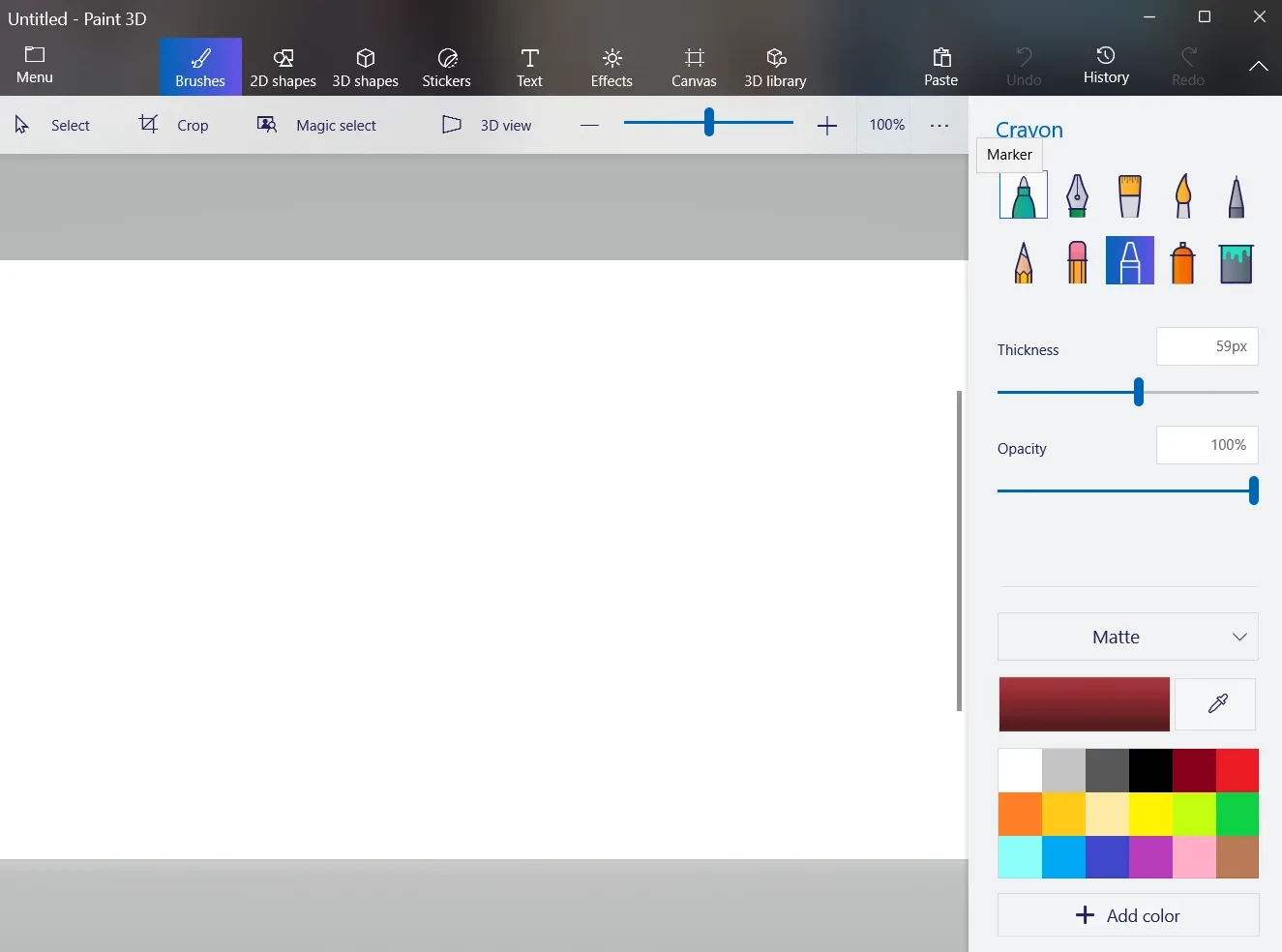
Paint 3D was a free drawing app from Microsoft for Windows that combined simple 2D painting with basic 3D modelling. It is discontinued: Microsoft removed Paint 3D from the Microsoft Store on 4 November 2024, so there is no official download any more, and the classic Paint app is the recommended replacement.
Microsoft introduced Paint 3D together with Windows 10 Version 1703 as a modern take on the old Paint. Instead of a single flat canvas, it offered a scene where you could draw on 2D layers, place ready-made 3D shapes, turn a doodle into a rounded object, paint textures onto models and rotate everything in space. Stickers, text that could float in 3D, a magic select tool for cutting objects out of photos, and export to formats used for 3D printing and mixed reality made it a fun tool for schoolchildren, hobbyists and anyone who wanted to try 3D without learning professional software. The app came in dozens of interface languages and was preinstalled on many Windows 10 PCs. In practice, many people used it for quick 2D edits and background removal rather than for 3D. Over time Microsoft moved those popular features into the classic Paint, which gained layers, transparency and automatic background removal, and put Paint 3D on its list of deprecated Windows features.
Yes. If Paint 3D is already on your PC, it continues to open and edit files, but it no longer receives updates, and it cannot be installed again from the Microsoft Store once removed. Microsoft documents the change on its deprecated features page and the related resources page. Do not look for installers on third-party sites: repackaged Store apps are a common way to spread malware.
Paint 3D was made for Windows 10 starting with Version 1703. Paint, the replacement, is included with Windows 11 and updated through the Microsoft Store.
An app that no longer gets updates is not an immediate danger for simple drawings, but it should not be your main tool for files from unknown sources. Use only the copy already installed by Windows or the Store.
The official successor is Paint, which now covers layers and background removal. For more serious photo editing, GIMP and Photoscape are free options on our site, and Microsoft Designer creates graphics from templates and text prompts.
GIMP is a free, open-source raster image editor for photo retouching and graphic work. This page covers version 3.2.6 for Windows.
Adobe Photoshop is the raster graphics editor from Adobe for photo retouching and image editing. Version 2026 27.10 installs as a trial on Windows.
Adobe Illustrator Online refers to using Adobe's vector design tool through the browser and Adobe's web services, with an Adobe account and plan.
Adobe Illustrator is Adobe's vector graphics editor for logos, illustrations and print design. This page covers Illustrator CC 2026, version 30.8, for Windows.

PicWish is an AI photo editing app for Windows that removes backgrounds, cleans up images and prepares product photos with a few clicks.

PixelLab is an Android app from App Holdings for adding text, stickers and effects to photos; on a Windows PC it runs through an Android emulator.
Adobe Photoshop CS6 is an older perpetual-licence version of Adobe's image editor for Windows; Adobe no longer sells or updates it, and today's Photoshop is subscription-based.